 Niwas Khata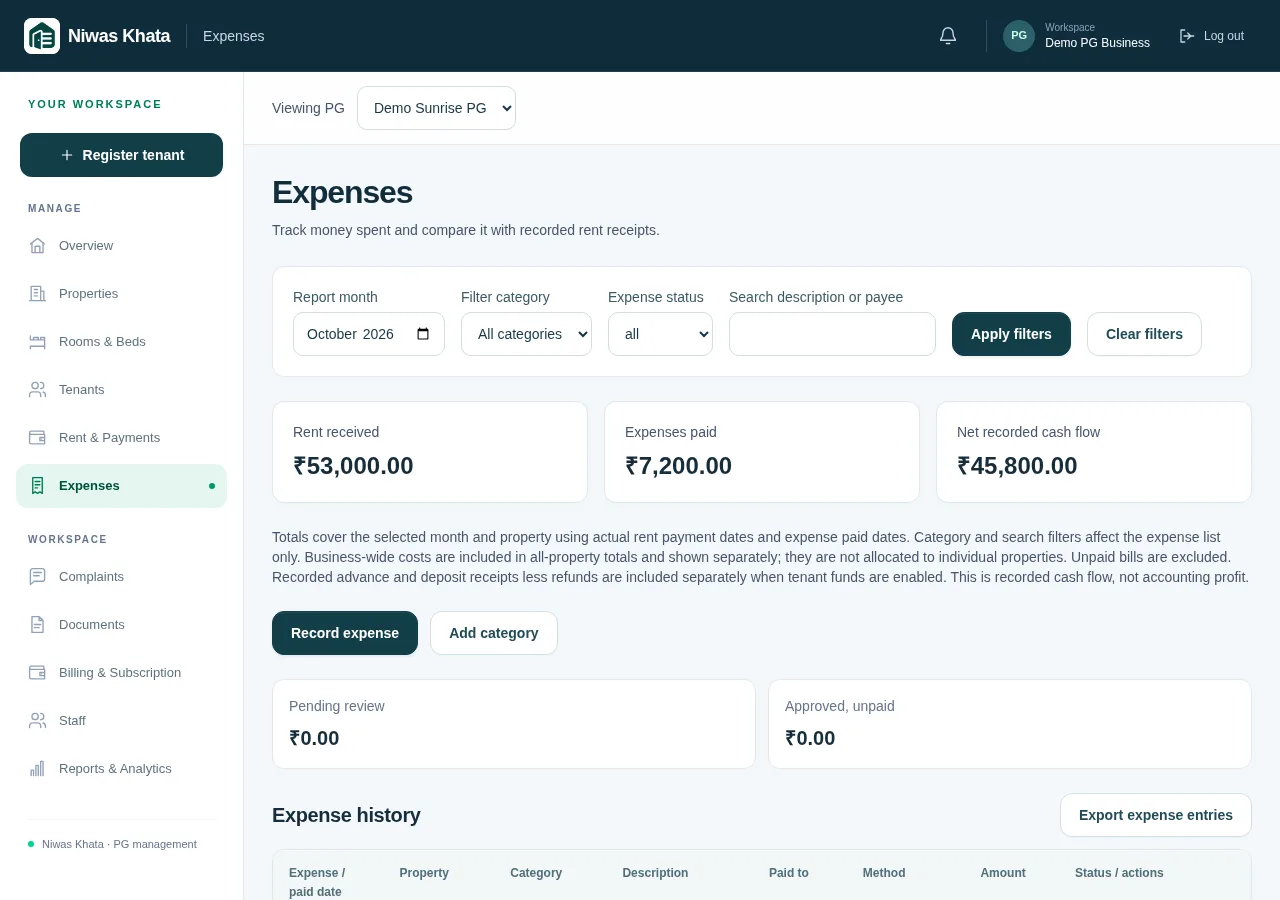
Give the expense enough context to review later
An entry saying ‘₹500 spent’ leaves several questions unanswered. What was bought, for which property, on what date and has the money actually been paid? Record those details while they are easy to confirm. A short, specific description is more useful than a vague category or a photograph with no explanation.
Use categories that match the way you review your business. Utilities, repairs and supplies may be helpful starting points, but avoid creating a new category for every small purchase. Consistency makes month-to-month comparison more meaningful.
- Record the property and expense date.
- Use a clear description and a consistent category.
- Keep supporting records privately where the existing document workflow is appropriate.
Separate approval from payment
Approval answers whether the business accepts an expense. Paid status answers whether money has left the business. They are not the same fact. A manager may record an expense for owner review before it is approved; an approved bill may still be unpaid.
Niwas Khata’s expense workflow keeps these states distinct and records changes in its history. The cash view uses approved, paid expenses rather than treating every pending entry as money spent. Review both status fields when a report looks different from the list of bills on your desk.
- Give staff their assigned access rather than your password.
- Review pending entries before approving.
- Confirm actual payment before marking an amount paid.
Keep shared business spending visible
Some costs belong to a single PG; others support the wider business. If you put every shared cost against whichever property was selected at the time, one PG can look less profitable for the wrong reason. Record the association intentionally and use the combined view when reviewing the entire business.
Compare like with like. Select the same month and understand whether the report groups money by payment date or another date. A bill dated in one month and paid in the next can explain a legitimate difference between your expense records and cash movement.
- Check the active PG selector before entry.
- Use the business-level treatment for genuinely shared costs where supported.
- Review date filters before comparing reports.
Understand what cash flow includes
A PG can receive money that is not current rent income. Advances and refundable security deposits are obvious examples. Refunds also move cash without necessarily being a new running expense. Niwas Khata’s cash report separates rent receipts, net advance cash, net deposit cash and paid expenses so you can see the components.
Applying a previously received advance to an invoice does not mean the business received the money again. Keep held funds and liabilities understandable rather than adding every ledger movement into a cash total. The operational cash overview is not automatically an accounting profit statement.
- Reconcile cash receipts with actual bank or cash records.
- Review advance and deposit ledgers separately.
- Avoid counting an allocation of held funds as a second receipt.
Make month-end a review, not a reconstruction
A useful month-end routine starts before the final day. Resolve unclear descriptions, pending approvals and missing references regularly. Then review category totals, property context and unusual movements. Export the entries needed for reconciliation rather than retyping every value into another register.
Ask your accountant about the treatment of taxes, depreciation, accruals and other accounting questions. The software organizes records; it does not replace professional advice or determine your tax position. Keep evidence for corrections so the next review can follow what changed.
- Review pending and rejected entries before finalizing your own report.
- Compare paid spending with real payment evidence.
- Export the relevant period and keep reconciliation notes.
Explore the working features and trial and subscription details. These guides explain operating routines, not individualized legal, tax or financial advice.