 Niwas Khata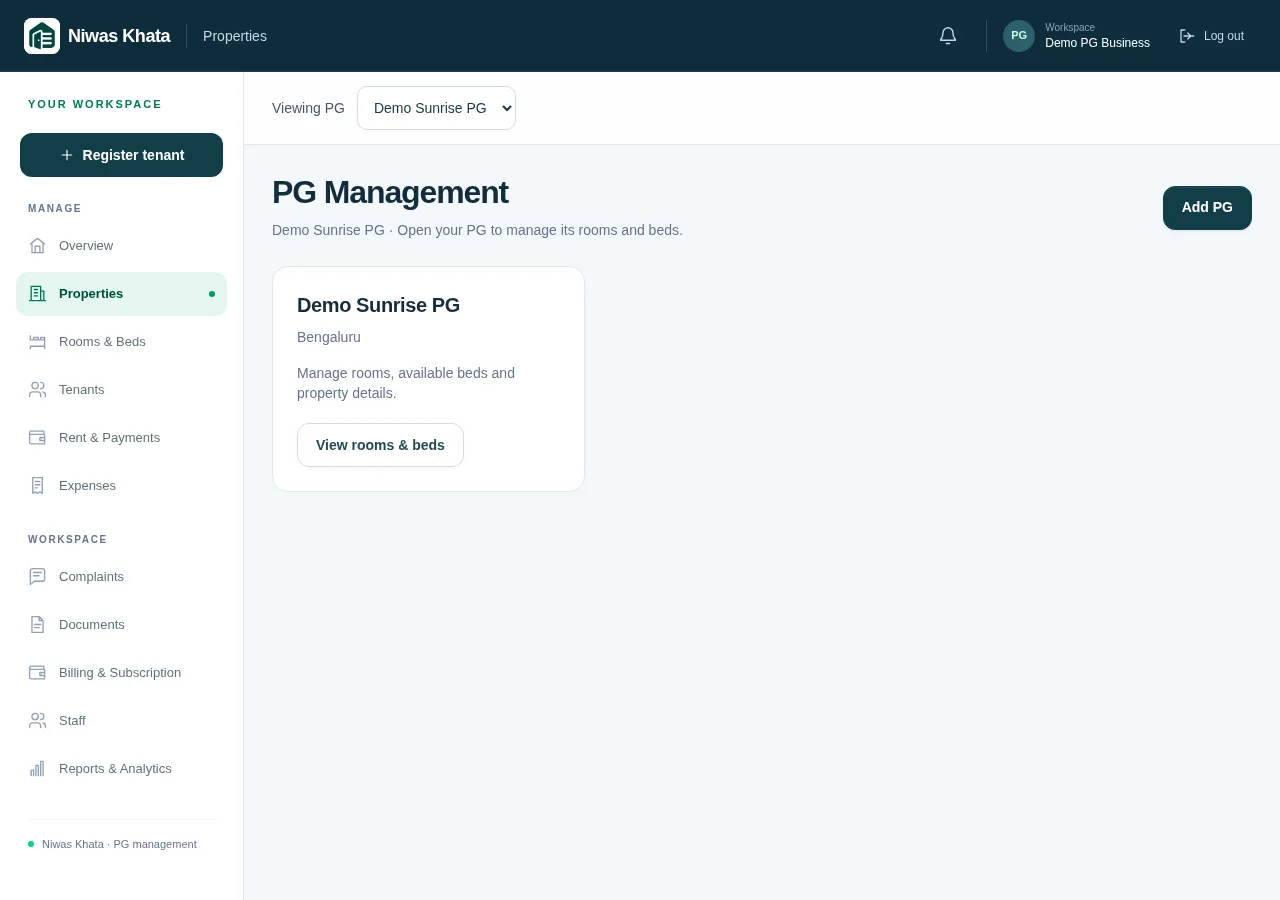
Keep one business account and explicit property records
When your second PG opens, duplicating all your spreadsheets may feel quick. Over time, names, room labels and categories drift, making reports hard to compare. Begin with a consistent property structure under the business account: each PG has its own rooms, beds and associated records.
A shared business workspace is not permission to mix tenants or payments indiscriminately. Property context still matters. The same room number may exist in several PGs, and an amount received for one resident should not be assigned to a different person just because their name is similar.
- Use clear property names.
- Create rooms and beds under the correct PG.
- Check property context before recording allocations or expenses.
Switch deliberately between individual and combined views
A combined overview helps you review the business, but everyday decisions often belong to one property. Use a PG-specific view when checking beds or reviewing its expenses. Use All PGs to compare the operation as a whole, then drill into the record that needs attention.
Niwas Khata keeps the selector optional for owners with one PG. Once several properties exist, the selector becomes useful without requiring a separate login for every building. Confirm the current selection when moving between tenant, rent, expense and reporting pages.
- Review a single PG for an operational decision.
- Use the same reporting period when comparing properties.
- Distinguish shared business costs from property-specific spending.
Standardize the routine, not every commercial agreement
A common onboarding checklist can reduce missed details across properties. That does not mean every resident must have the same rent, deposit or billing cycle. Record the actual agreement and review its terms before assigning a rent plan or issuing an invoice.
Keep categories and descriptions understandable to the people who review them. A repair entry should make sense to the owner even if another team member recorded it. Avoid solving access questions by sharing one account password; use the existing membership roles and review what each role can do.
- Use a consistent intake and checkout checklist.
- Preserve resident-specific agreements.
- Review staff access when responsibilities change.
Treat moves and held money carefully
A resident moving between PGs may bring a rent balance, advance or deposit discussion with them. Do not assume that moving their bed allocation automatically moves every financial obligation. Review the source property’s records and the actual agreements before applying or returning held funds.
The current funds workflow keeps money associated with the PG where it was received. A transfer should not silently convert a source property’s deposit into a destination property’s rent receipt. Use the supported operations and reconcile any real bank movement separately.
- Review outstanding source-property invoices.
- Check where advances and deposits were received.
- Preserve references for actual refunds, receipts and agreed deductions.
Compare performance with the right question
An occupancy percentage, rent collection figure and cash-flow total answer different questions. A PG with high current occupancy can still have unpaid invoices. A property receiving several deposits may show more cash even though its rent collections are unchanged. Use the components, not just one headline total.
Schedule a regular review of the business and each property. Investigate unusual balances, overdue recorded charges and pending expenses. The goal is a repeatable process that helps you act on records, rather than a dashboard that looks impressive but cannot be reconciled.
- Check current capacity separately from financial-month totals.
- Review unpaid invoices alongside collections.
- Reconcile unusual figures before making a commercial decision.
Explore the working features and trial and subscription details. These guides explain operating routines, not individualized legal, tax or financial advice.