 Niwas Khata
Move from a register in a controlled first pass
Begin by reconciling the register with the occupied beds today. Check names, joining dates and agreed rents with your existing records. Use the existing-resident option rather than treating everyone as a new arrival. Keep uncertain historical figures separate from verified cash transactions; an old deposit amount written on a form is not proof that the same amount is currently held.
- Create your property, rooms and bed labels first.
- Check each current tenant against an actual bed.
- Record historical money movements only when you can support them.
Make utility charges understandable
If your rental agreement includes metered electricity, record the previous reading, current reading and agreed unit cost for the supported occupied-bed reading. Review the result before approving a charge. Posting an approved reading adds it to the existing billing workflow; it should not be entered again as another custom charge. Shared-room allocation is a separate owner decision, not an automatic equal split.
- Use consistent reading periods and agreed rates.
- Review pending readings before approval.
- Keep the tenant’s explanation of a charge consistent with the invoice.
Add another PG only when your business needs it
Once your first property is organized, another PG can be added under the same owner business. Use the selector to review it on its own, or All PGs for a consolidated overview. Keep each property’s tenants and transactions correctly associated during entry. This allows a small operation to grow without turning every everyday task into a property-selection exercise.
- Single-property owners avoid unnecessary selector controls.
- Separate each PG’s running expenses and allocations.
- Compare the same reporting month across properties.
A workflow you can see before signing up
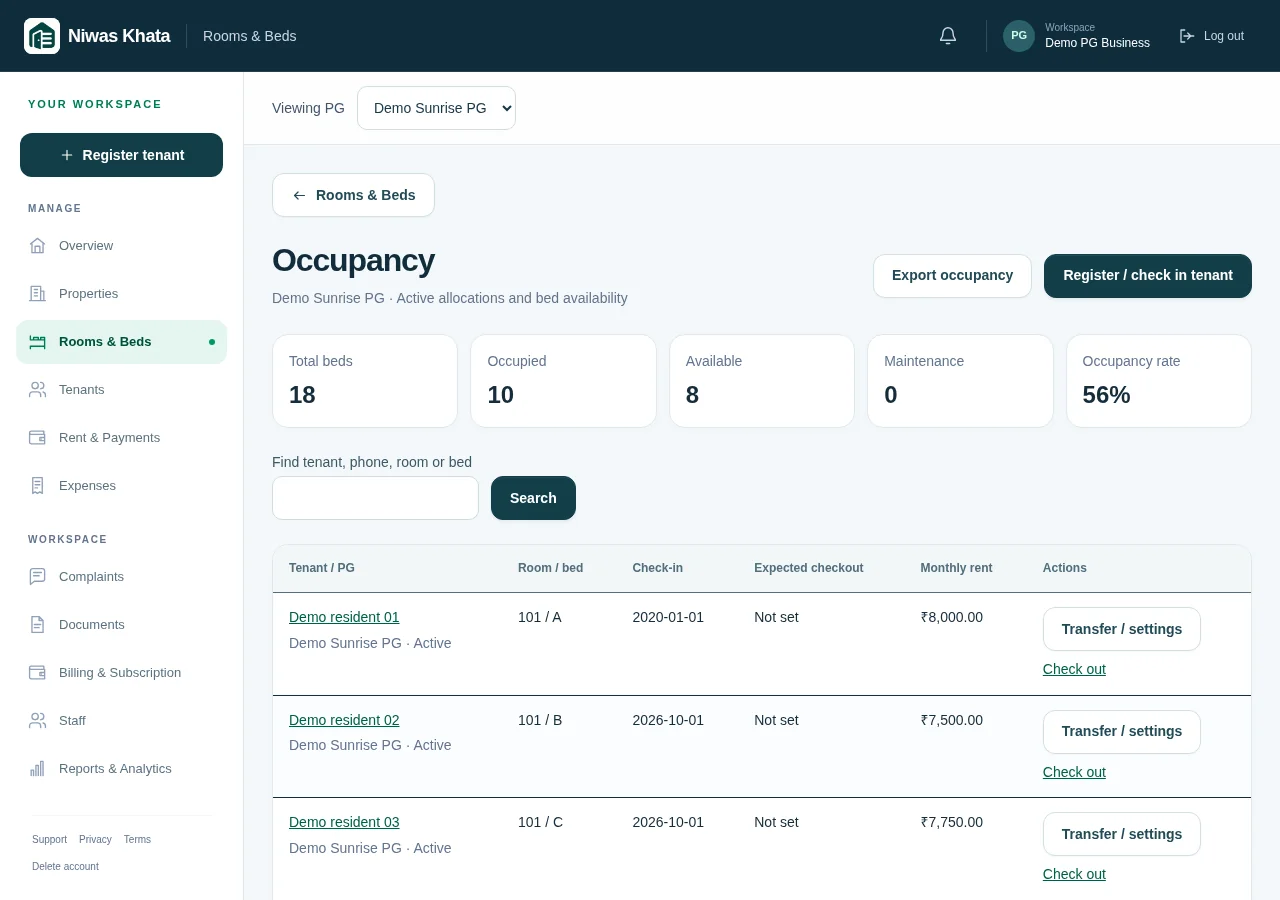
Use the same tenant, room, invoice and expense features shown in the actual product. The screenshot below uses fictional records; it does not represent a customer property in Jaipur.
Explore the full feature set or read pricing and trial details.